

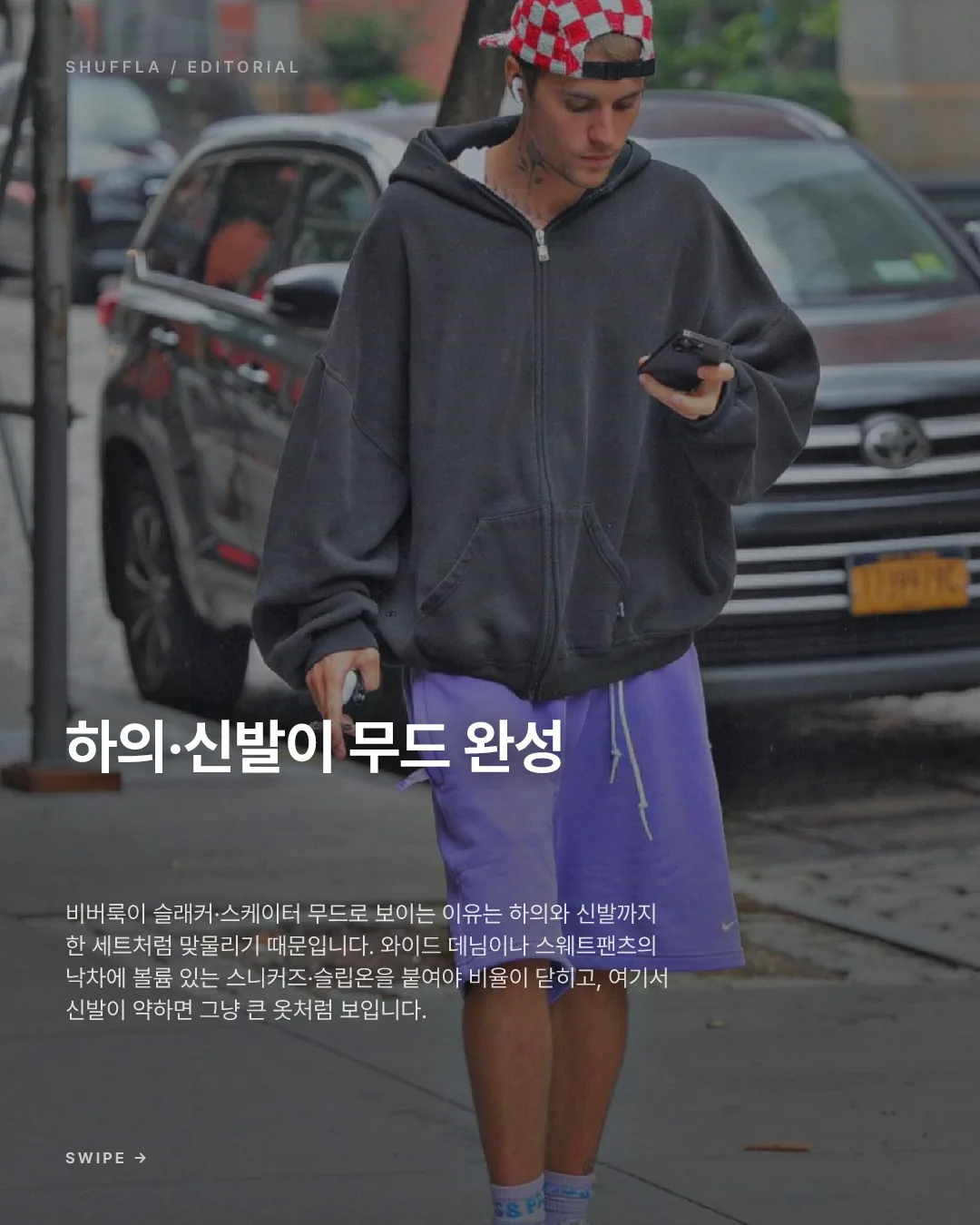
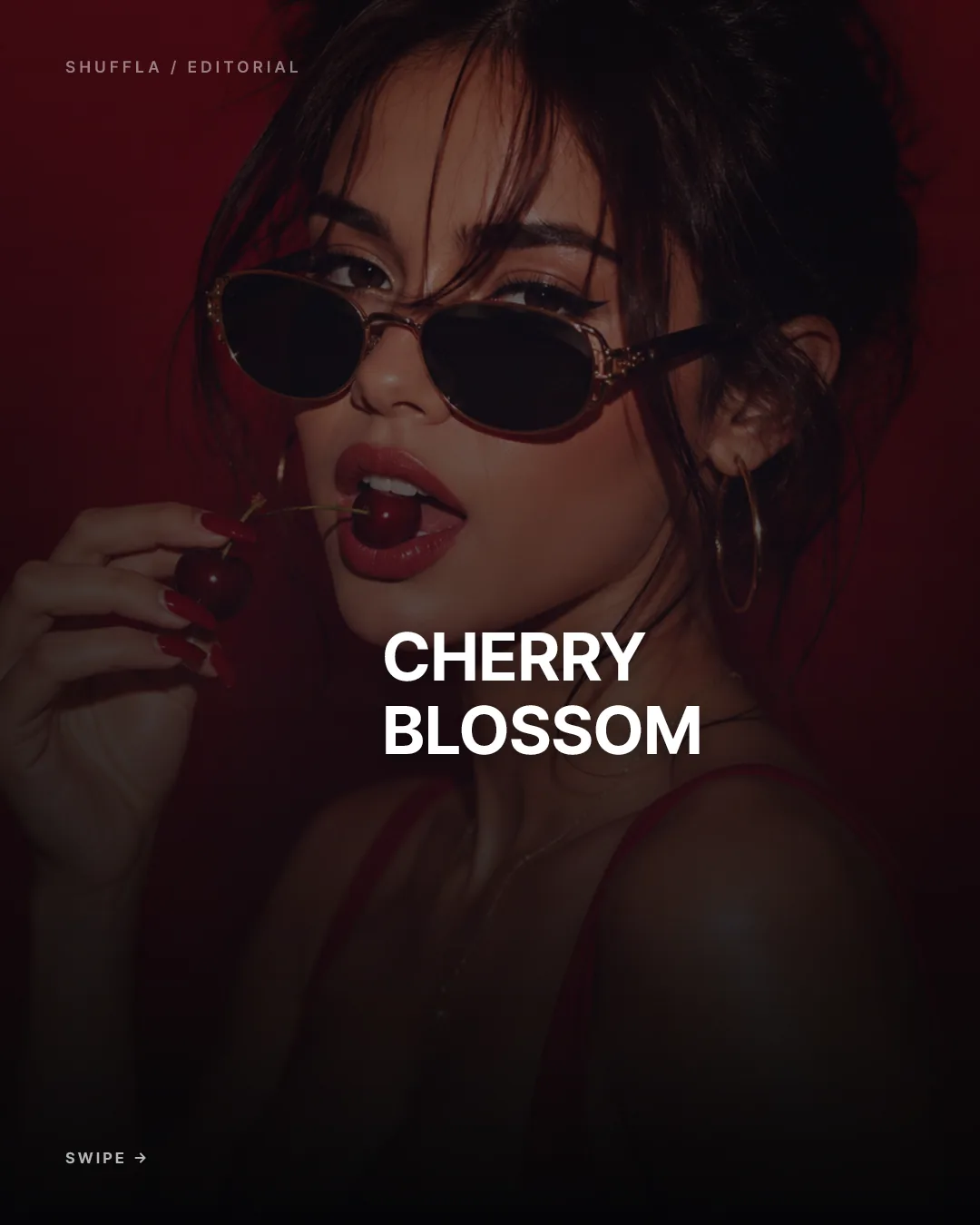
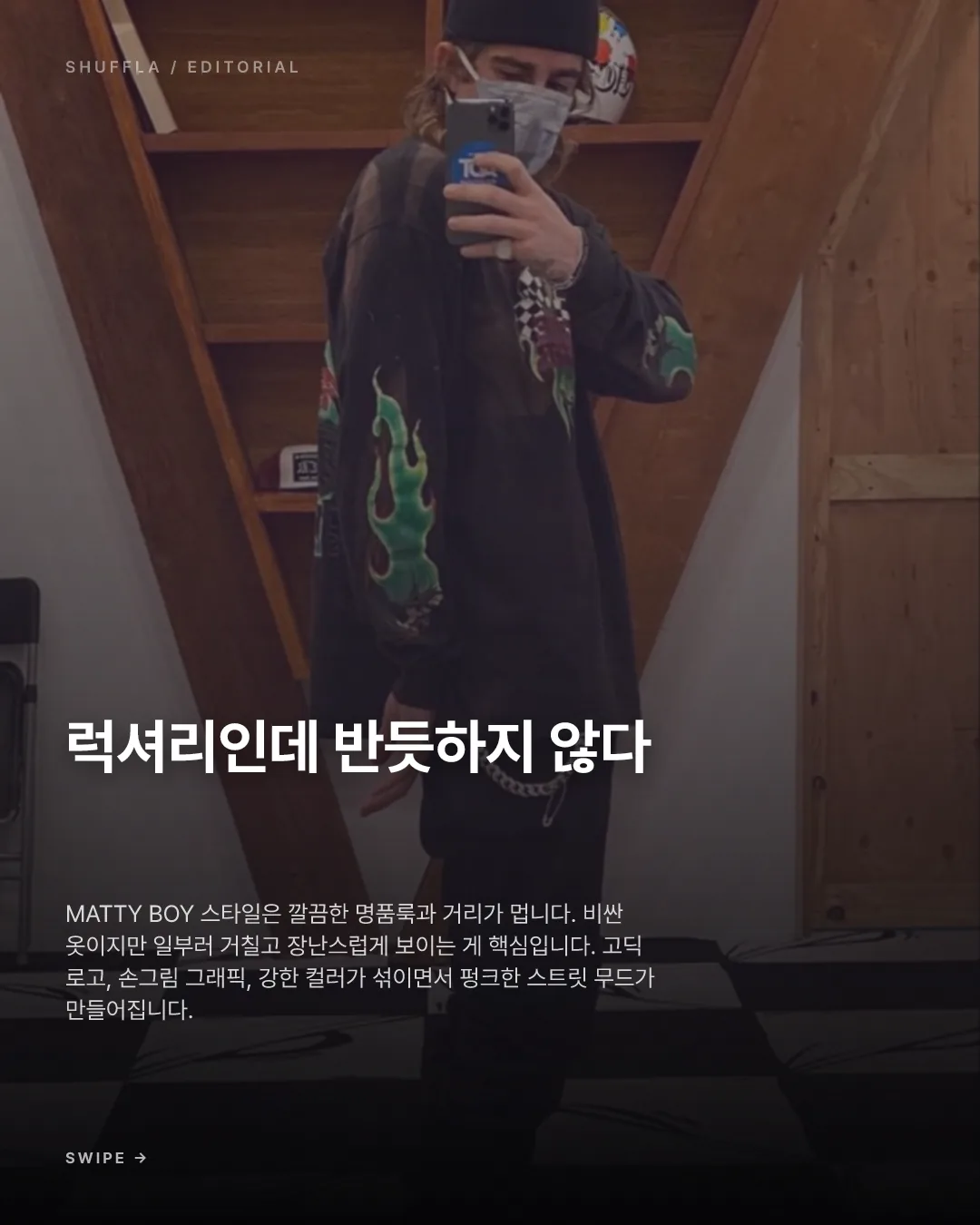
01 / SHUFFLA
One URL. A video card news plan.
Enter your brand URL and topic — AI generates connected scene structure, slide copy, video prompts, and visual direction.
See the generatorShuffla / Generate
LiveRecommended plan
Daily UV Archive
Enter a URL and topic — AI plans the storyline, writes copy, prepares video prompts, and builds video card news plus image card news. 2 free generations included.
No credit card · 2 free generations included


Product workflow
01 / SHUFFLA
Enter your brand URL and topic — AI generates connected scene structure, slide copy, video prompts, and visual direction.
See the generatorShuffla / Generate
LiveRecommended plan
Daily UV Archive
02 / SHUFFLA
Adjust copy, background images, overlays, and typography — then export as 4:5 high-resolution PNG.
Explore the editorShuffla / Editorial Studio
Live
Card design editor
Title
FIG 0.1
AI writes scene-by-scene copy and scripts matched to your brand tone, product info, and slide flow.
FIG 0.2
Generate scene, camera, lighting, and continuity prompts so every card feels like part of one sequence.
FIG 0.3
Refine text and backgrounds, then export as 1080×1350px PNG in one click.
One connected system
URL input → video card news planning → video prompt review → editing and export. Each step stays connected.
5 slides ready
100%
Copy and image rendering
Brand profile
Matched
Format
1080 x 1350
Activity stream
Slide structure confirmed
now
Background image rendering complete
04s
Edit document synced
12s
PNG export ready
18s
Try it now
Sign in, enter a URL and topic, and start generating video card news plans and card news assets. 2 free — no credit card.
Start with Google